Full self driving Supervised Europe
Enabling Full Routing in Europe 2026
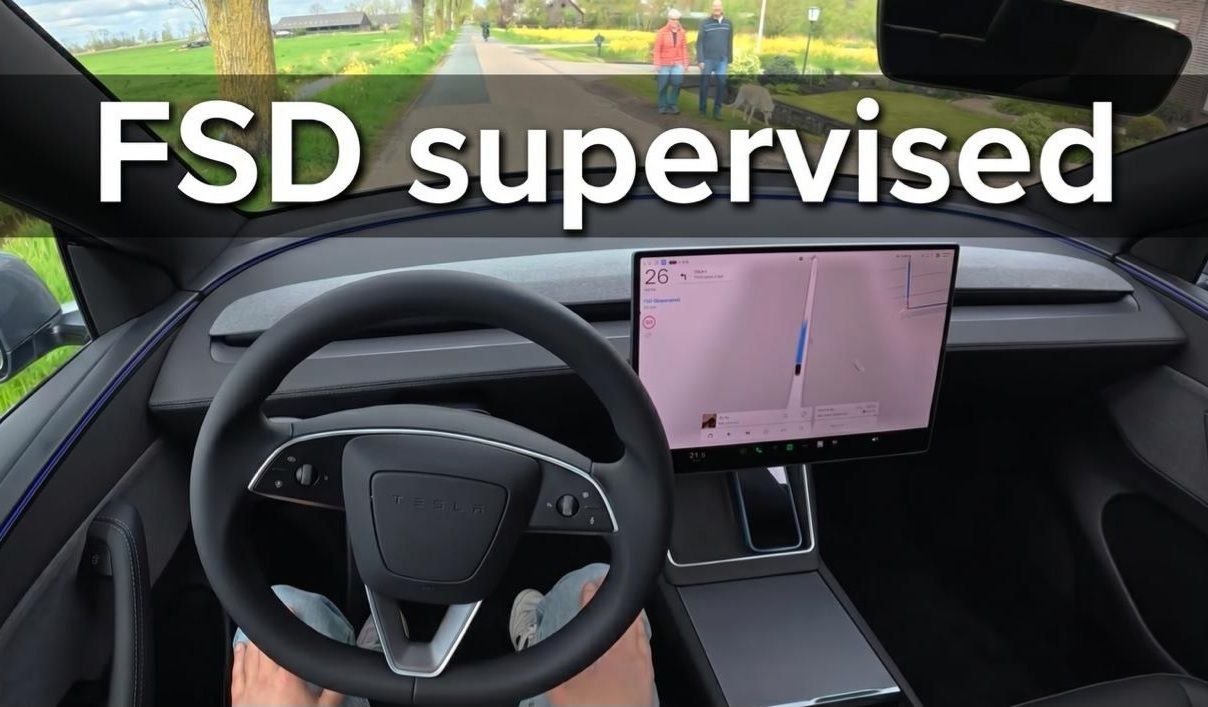
To architect, calculate, and optimize its navigation courses, Tesla utilizes Valhalla—a robust, highly flexible open-source routing engine and ecosystem designed specifically to interface seamlessly with OpenStreetMap (OSM) databases.
System Compatibility
all usa cars 2022+
- model Y ryzen mcu
- model 3 ryzen mcu
- model s 2021+
- model x 2021+
Component Architecture & Functional Distribution
The Valhalla framework comprises an interconnected suite of specialized libraries, each engineered to execute a distinct, dedicated task within the routing pipeline:
-
Midgard: Houses the foundational geographical and geometric algorithms, calculations, and mathematical structures, highly applicable for third-party or external software developments.
-
Baldr: Manages the essential data structures designated for caching, storing, and retrieving route-related information and pathing intelligence.
-
Sif: A specialized component leveraged to compute cost metrics, attributes, and weights for graph nodes. The gathered metrics serve as vital input parameters for the Loki and Thor subsystems.
-
Skadi: An elevation service and utility library providing seamless access to topographic and terrain height data. It can function independently as a standalone service or stream dataset entries directly into Mjolnir.
-
Mjolnir: A comprehensive pipeline of tools that transform, ingest, and compile open-source spatial data into Valhalla graph tiles and segments.
-
Loki: A search and localization library engineered to locate the exact graph segment and accurately snap/bind specified geographic coordinates to a specific road element on that stretch. This correlated entity (whether a vertex/node or an edge/link) is subsequently forwarded to Thor.
-
Meili: A map-matching and synchronization engine tailored specifically for aligning raw spatial tracking data with map geometries.
-
Thor: The core routing module that generates, finds, and constructs the optimal path through the hierarchical structure of graph segments. The finalized computed path and its distinct attributes act as the foundational input for Odin.
-
Odin: The component responsible for generating precise directional maneuvers, guidance cues, and turn-by-turn instructions. This compiled array of navigation directives is then transmitted to Tyr.
-
Tyr: A high-performance microservice designed to handle and process incoming HTTP requests for route generation, interacting fluidly with other Valhalla APIs. Additionally, it structures and serializes the raw results received from Odin.
Deploying Custom Maps onto AMD Ryzen MCU
By leveraging a specialized Tigard development board equipped with a jumper bridge on the HDMI cable, you gain the capability to flash and install any custom map onto the Ryzen Media Control Unit (MCU) housing.
Need to purchase a full Autopilot system from Tesla Supervised
purchase from a new Canadian or US account, after deleting your car and transferring it to the new account
Hardware Requirements & Prerequisites
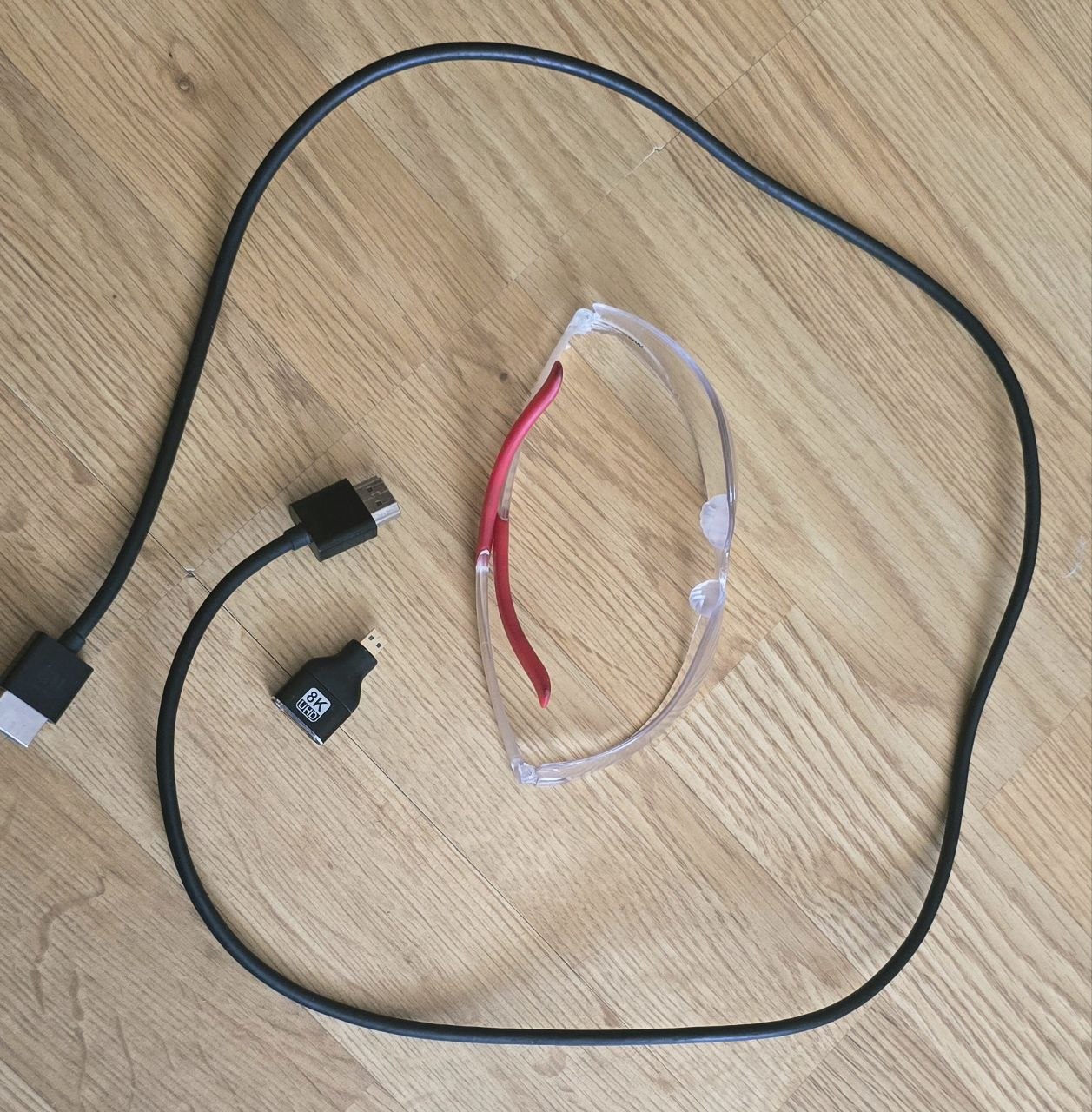
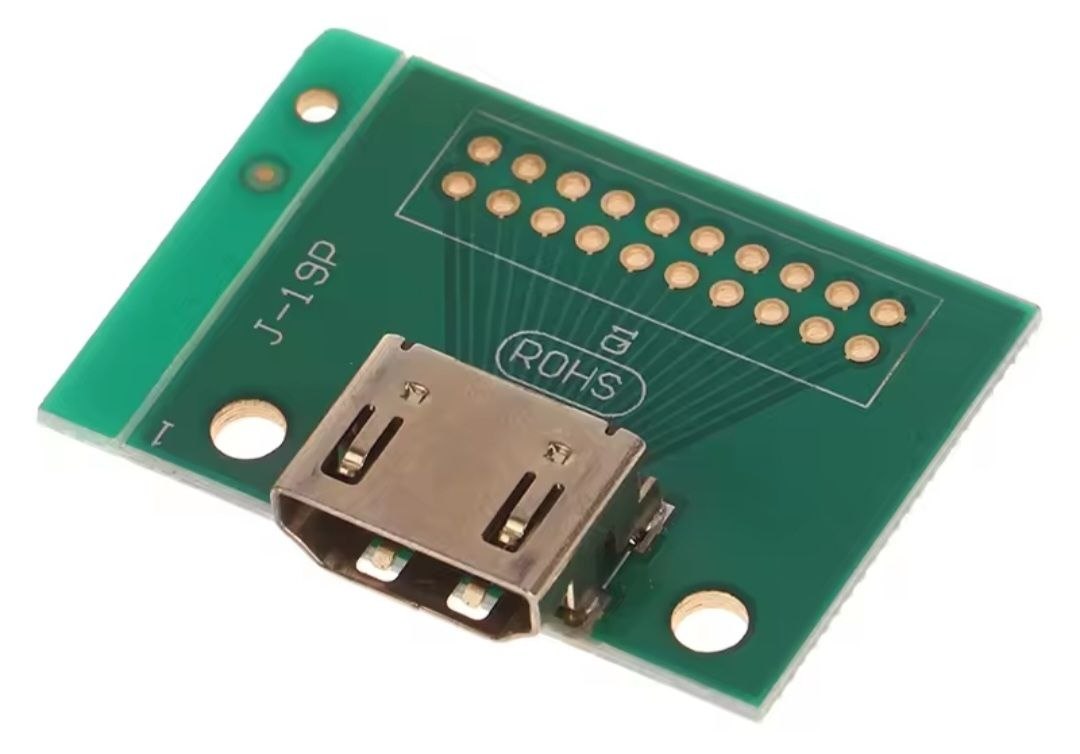
-
Standard HDMI to HDMI cable (if your vehicle is equipped with Autopilot 4.0 / HW4).
-
Micro-HDMI to HDMI cable (if your vehicle features Autopilot 3.0 / HW3).
-
Debug Tool: Tigard open-source debug/interface board.
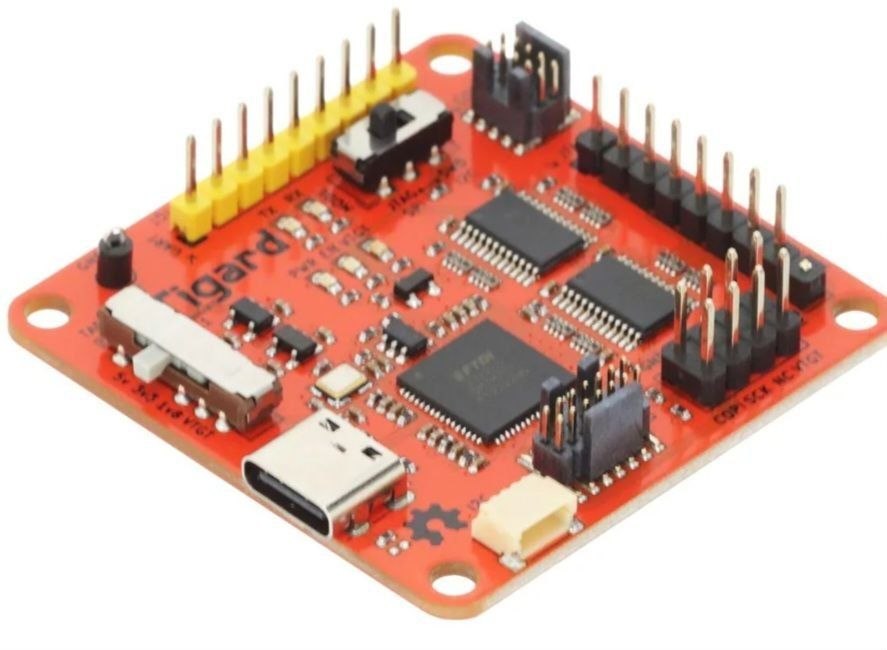
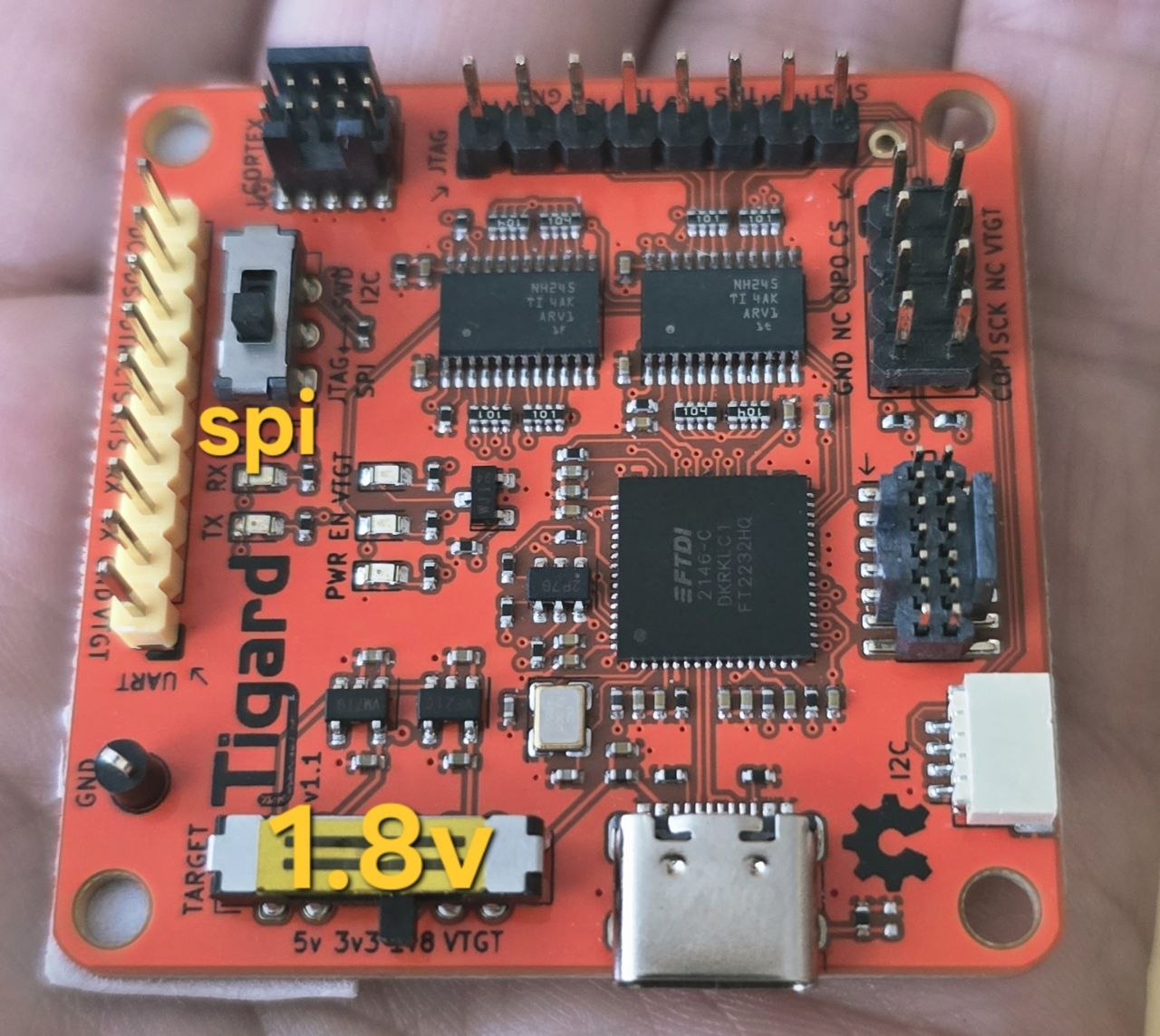
Setup like this
1.8 V
SPI mode
Tigard debug board can be officially purchased eu mouser com
Frequently Asked Questions (FAQ)
1. Which electric vehicle (EV) models are fully compatible with this modification technique?
This specific methodology is fully applicable to the following Tesla vehicles equipped with the AMD Ryzen MCU processor architecture:
-
Model 3 (Production year 2022 and newer)
-
Model Y (Production year 2022 and newer)
-
Model S (Production year 2021 and newer)
-
Model X (Production year 2021 and newer)
2. Who requires custom maps, and what are the primary use cases?
-
Unsupported Regions: Vehicle owners residing in countries or territories lacking an official Tesla presence, where factory stock navigation maps are entirely unavailable and regional location swapping via Toolbox Online yields no positive results.
-
Autonomous Navigation: Drivers who have purchased the Full Self-Driving (FSD) capability package and want their vehicle to successfully navigate autonomously from point A to point B.
3. How will OTA (Over-The-Air) system firmware updates function after flashing the custom map?
-
Firmware updates will continue to download flawlessly in standard fashion over Wi-Fi networks.
-
Cellular mobile data connectivity (via physical SIM or internal eSIM) will remain completely unaffected and functional without interruptions.
-
When a notification for a fresh software version appears on the in-car display, you should connect to Wi-Fi to begin the download process.
Firmware updates will continue download over Wi-Fi networks.
you must disconnect from the Wi-Fi network and explicitly select "Forget Network".
Immediately after the download finishes (the moment the clock icon appears prompting you to schedule or start the installation),
This preventative action is mandatory to stop the Tesla OS from overwriting, purging, or rolling back your custom-modified map files. The golden rule is to never leave your electric vehicle connected to uncontrolled, automated, or saved Wi-Fi networks.
Request for Service or buying script with full manual
If you are interested in acquiring this specialized service or you want to buy script and manual, please provide the following details and vehicle specifications:
No soldering is required on the car.
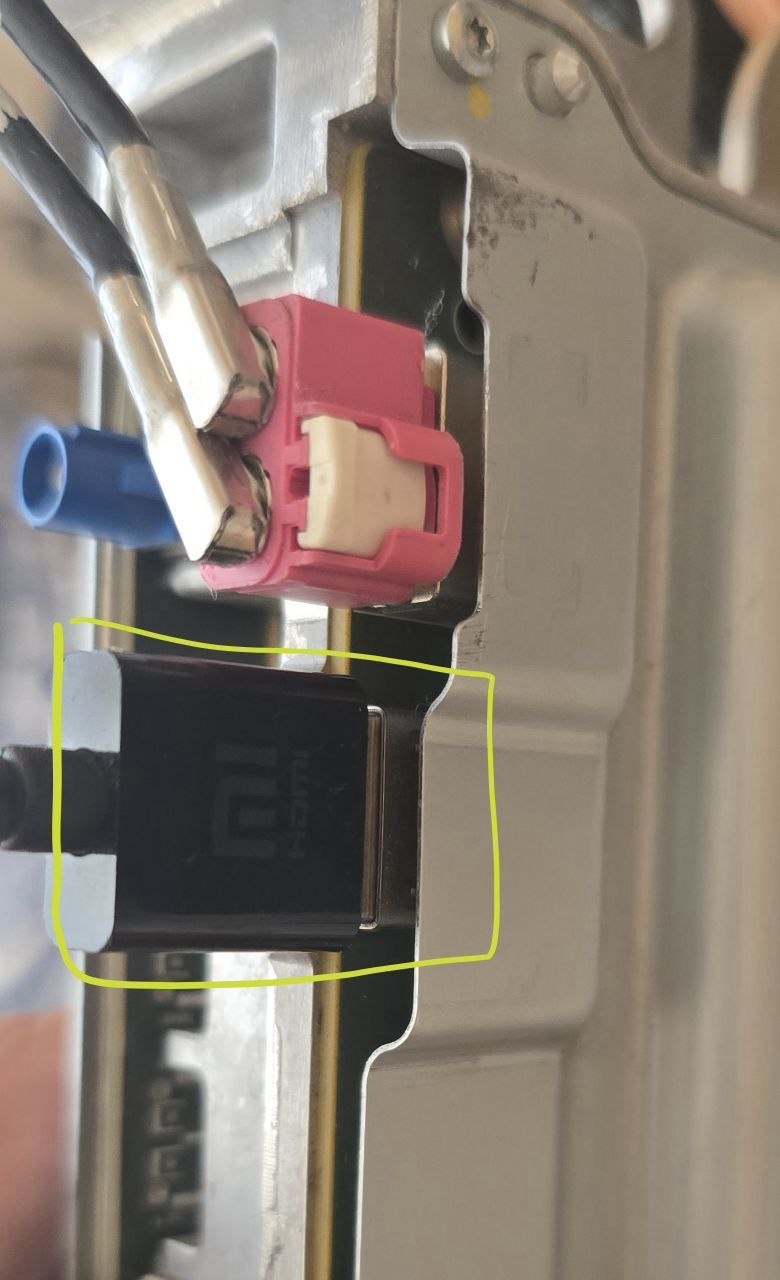
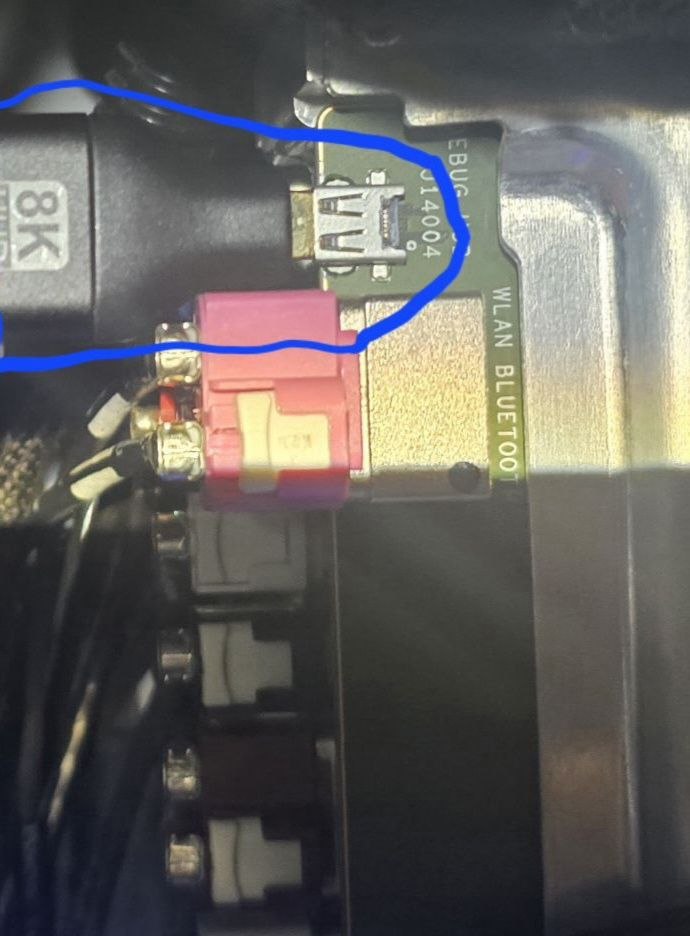
Plug and Play method (temporarily connect the HDMI cable to the MCU).
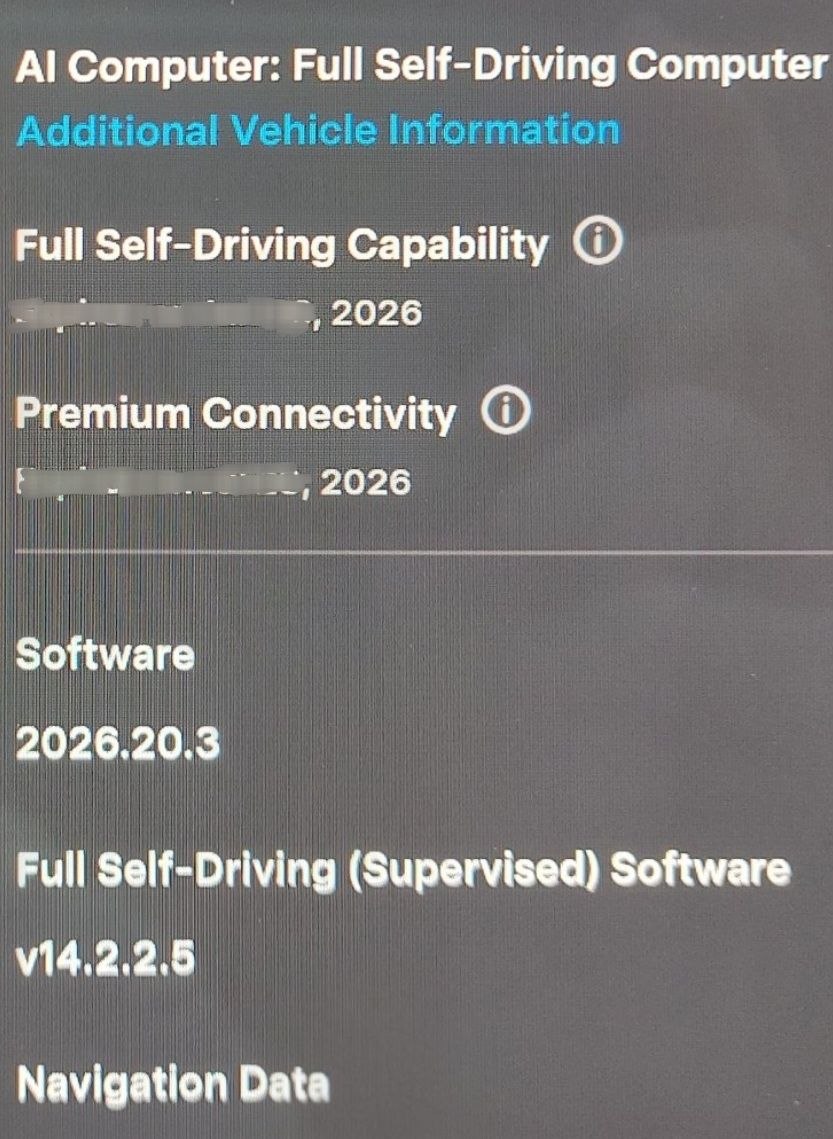
Buy Tesla's full autopilot
Upload custom map
PRICES:
500 euros for uploading custom map for 1 car
You can purchase full method
2000 usd
included:
software
PDF manual
Custom Europe map 2026
Anydesk support
order online service
or purchase full method
WhatsApp:
+38 050 809 2007
Telegram:
@hddhelpcomua

 Chat Now ! our whatsapp number 24/7 +38 050 809 2007
 Telegram @hddhelpcomua